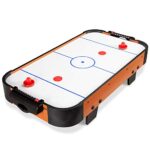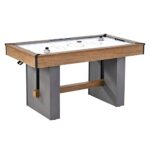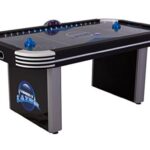
Cleaning an air hockey table is mostly about the playing surface: you want it free of dust, grit, and sticky residue so the puck glides the way it did when the table was new. In most homes, a soft microfiber cloth, a mild cleaner, and five minutes of attention once a week will keep the table fast and protected for years.
Key Takeaways
- Dust is the enemy. A single gritty particle under the puck scratches the playing surface, so wipe the table before and after every session.
- Use mild, non-abrasive cleaners only. Glass cleaner, mild dish soap, and water are safe; bleach, ammonia, and solvents can cloud the finish.
- Never pour liquid directly on the table. Spray the cloth, not the surface, and keep moisture away from the seams and blower holes.
- Clean the blower and vents too. A clogged intake starves the air holes and makes the puck drag, no matter how clean the top looks.
- Vacuum the felt or carpet underneath so the blower doesn’t pull dust back into the table.
- Deep-clean every one to three months if the table gets heavy use; a light weekly wipe is enough for occasional play.
What You’ll Need
Gather these before you start. You probably already own most of them.
- Microfiber cloths (at least two: one damp, one dry)
- Mild dish soap or a streak-free glass cleaner
- Warm water in a spray bottle
- Vacuum with a brush or crevice attachment
- Soft-bristle brush (an old toothbrush works for the air holes)
- Isopropyl alcohol (for stubborn marks only, used sparingly)
- Cotton swabs for tight corners and seams
Avoid paper towels, which leave lint and can shed fibers into the air holes. Avoid scouring pads entirely.
How to Clean an Air Hockey Table
Work in this order: top surface first, then the holes and rails, then the blower and underside. That way you’re not re-dirtying a clean surface.
Step 1: Clear and Dust the Surface
Remove the puck and mallets. Wipe the entire playing surface with a dry microfiber cloth using long, straight strokes. This lifts loose dust and grit before you introduce any moisture. If you skip this step, a damp cloth just smears dust into a paste that dries in the seams.
Step 2: Wipe With a Mild Cleaner
Spray your cloth — never the table — with a 50/50 mix of warm water and a drop of mild dish soap, or a streak-free glass cleaner. Wipe in the direction of the airflow holes, not across them, so you don’t push debris into the openings. Follow immediately with a clean, dry cloth to remove any residue.
Pro Tip: Test any new cleaner on a small corner of the table first. Some finishes react badly to products that seem harmless, and a hidden test spot saves you from a cloudy streak across the whole surface.
Step 3: Clean the Air Holes
This is the step most owners skip, and it’s the one that matters most. Over time, dust and skin oils pack into the tiny holes and choke the airflow. Use a soft-bristle brush or toothbrush to gently loosen debris from each hole, then vacuum it away with a crevice attachment. For a large table, work in sections so you don’t lose your place.
Step 4: Wipe the Rails and Corners
The rails, goal mouths, and corner seams collect hand oils and dust. Run a damp cloth along the rails, then use a cotton swab dipped in your cleaning solution for the inside corners and goal slots. Dry everything thoroughly — standing moisture is what warps the playing surface over time.
Step 5: Vacuum the Blower and Vents
Unplug the table. Locate the blower intake (usually on the side or underside) and vacuum the vent openings with a brush attachment. A clogged intake is the single most common reason a table feels “slow” even after a good surface cleaning. If your model has a removable filter, rinse or replace it per the maker’s instructions.
Step 6: Clean the Underside and Floor
Vacuum the carpet or felt under the table, and wipe the table’s underside and legs. Dust lives there, and the blower will pull it straight back up through the intake the next time you switch the table on.
How Often to Clean
| Frequency | Task | Time Needed |
|---|---|---|
| Before and after play | Dry-wipe the surface | 30 seconds |
| Weekly | Damp-wipe surface, rails, and holes | 5 minutes |
| Monthly | Vacuum blower intake and vents | 5–10 minutes |
| Every 1–3 months | Full deep clean, including underside | 20–30 minutes |
| Annually | Inspect for scratches, warping, loose trim | 15 minutes |
Surface-Specific Care
Not every playing surface is the same, and the wrong product can do permanent damage.
| Surface Type | Safe Cleaner | Avoid |
|---|---|---|
| Laminate / melamine | Mild dish soap and water, glass cleaner | Abrasive pads, acetone |
| Acrylic / high-gloss | Plastic-safe cleaner, microfiber only | Ammonia, alcohol-heavy sprays |
| Wood or MDF core | Barely damp cloth, dry immediately | Any standing moisture |
If you’re unsure what your table’s surface is, check the owner’s manual or the manufacturer’s website before using anything beyond water. The U.S. Consumer Product Safety Commission maintains guidance on household product safety that’s worth a look if you’re mixing your own cleaners.
Fixing Common Problems
Sometimes a table isn’t dirty — it’s damaged or misadjusted. Here’s how to tell the difference.
- Puck drags in one spot. Usually a scratch or a swollen patch. Clean first; if it persists, the surface may need resurfacing.
- Puck floats unevenly. Check for blocked air holes and a clogged blower filter.
- Puck sticks near the goal. Debris in the goal slot or a bent rail. Clean the slot and inspect the trim.
- Table feels slow overall. Weak blower, clogged intake, or a worn motor. Vacuum the intake first.
- Sticky residue won’t come off. A drop of isopropyl alcohol on a cloth, used sparingly, usually lifts it. Test in a corner first.
Warning: Never use bleach, ammonia, or abrasive cleansers on the playing surface. They can cloud the finish, weaken the laminate, and void your warranty.
Protecting the Table Between Cleans
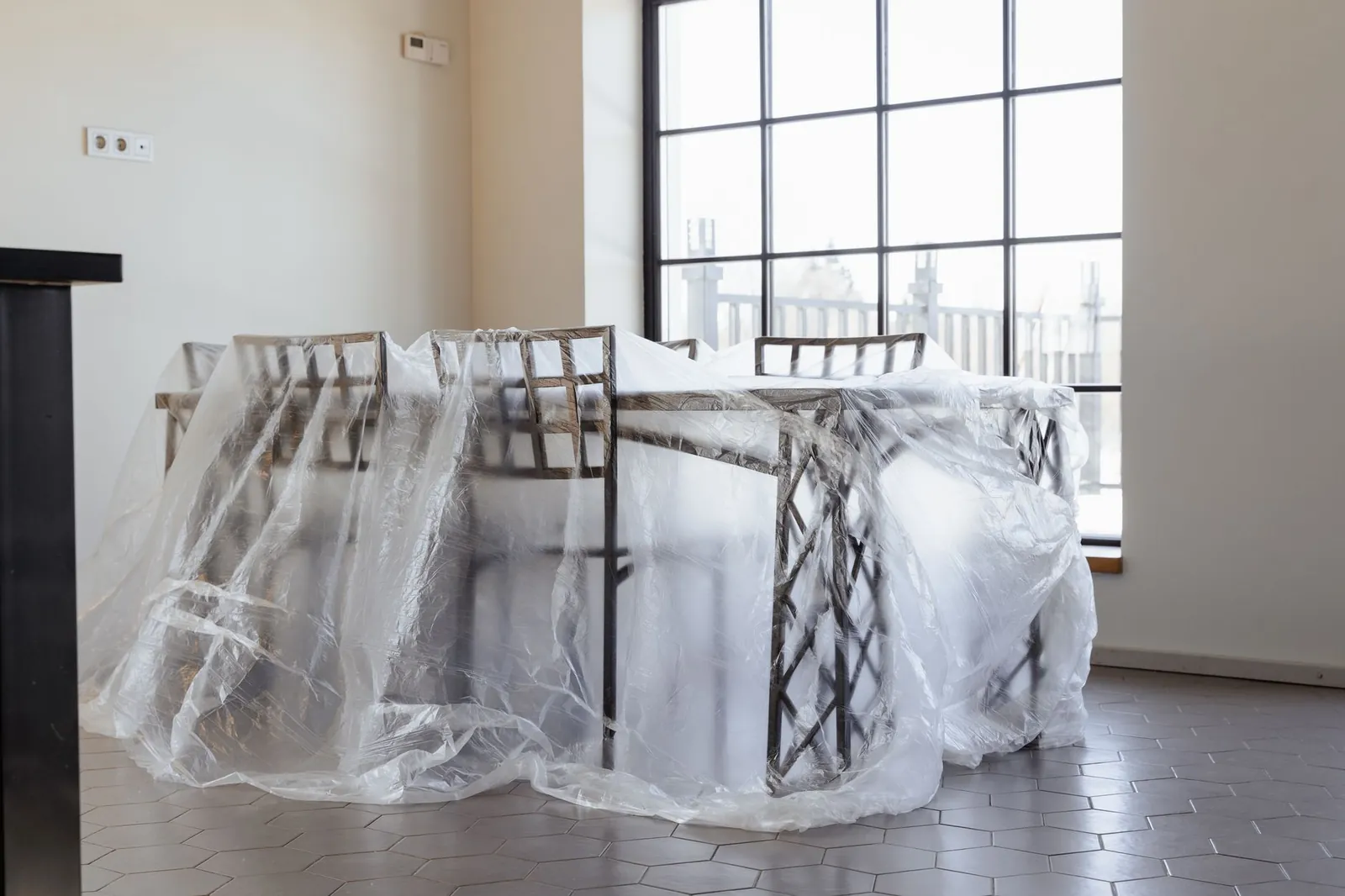
Cleaning is half the job; prevention is the other half.
- Cover the table with a fitted dust cover when it’s not in use.
- Store mallets and pucks off the surface, not on it.
- Keep food and drinks away — spills are the number one cause of sticky surfaces.
- Wipe mallets occasionally; their felt or plastic feet carry grit.
- Keep the room reasonably dust-free, especially if the table sits near a window or in a basement.
Frequently Asked Questions
Can I use glass cleaner on an air hockey table?
Yes, on most laminate and acrylic surfaces. A streak-free glass cleaner sprayed onto a microfiber cloth is safe and effective. Avoid anything with ammonia if your table has a coated or acrylic surface, and always test a hidden corner first.
How do I clean the air holes without damaging them?
Use a soft-bristle brush or dry toothbrush to loosen debris, then vacuum it out with a crevice attachment. Never poke holes with a pin, toothpick, or wire — you can enlarge or crack them and permanently change the airflow.
Why is my air hockey table slow after cleaning?
The blower intake is probably clogged, or the motor is weakening. Vacuum the intake vents and any removable filter. If the table still feels slow, the blower itself may need service or replacement.
Can I use disinfecting wipes on the playing surface?
Occasional use is fine on most laminate tops, but frequent use can leave a film that slows the puck. Wipe with a damp cloth afterward to remove residue, and avoid wipes containing bleach.
How do I remove scratches from the playing surface?
Light scratches can sometimes be buffed out with a plastic polish made for the surface type. Deep scratches usually require a professional resurfacing or a replacement top, since sanding can ruin the airflow.
Do I need to clean the mallets and puck too?
Yes. Wipe mallets with a damp cloth and dry them thoroughly, and clean the puck the same way. Grit on the mallet foot is a common hidden cause of scratches on the table.
When to Call a Professional
Most cleaning is a do-it-yourself job. But if the surface is warped, the laminate is lifting, or the blower has stopped working entirely, cleaning won’t fix it. Contact the manufacturer or a game-table repair specialist for resurfacing or motor replacement. For a commercial table in a bar or arcade, a service contract is usually cheaper than replacing the unit.
Start with the free step: unplug the table, grab a dry microfiber cloth, and give the surface a full wipe-down tonight. That single habit — before and after every session — prevents most of the problems that send people searching for repair advice in the first place.